PageFly Integration
How To Set PageFly Integration
Codes used in video
<div id='az_reviews' class='az_reviews AReviewsApp' data-product_id='product.id'></div><div id='Areviewsapp' class='page-full'>{% render 'aliexpress_reviews' %}</div>How To Set PageFly Integration
These are the options you have to do:
- Login or Install PageFly APP:
Click Here - Click on the template where you want to show the reviews:
See Example - Click on third-party elements in the left bar:
See Example - Search for Reviews apps and enable Areviews App elements:
See Example - Finally Drag and drop the elements anywhere in the template:
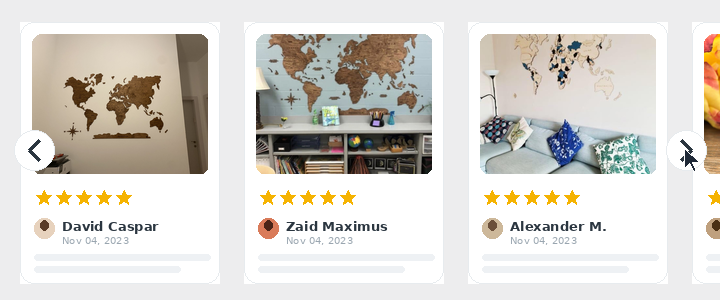
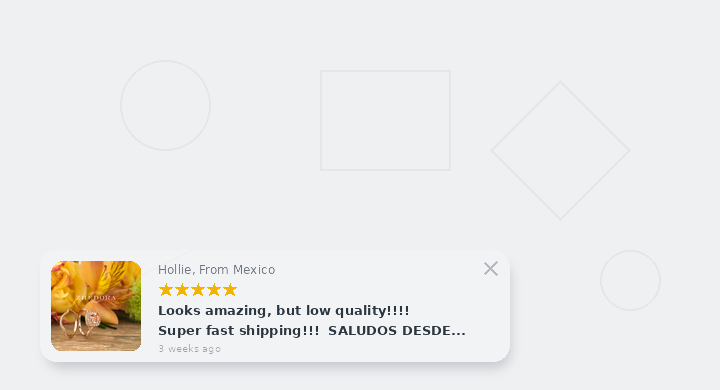
See Example Note: Some elements requires paid plan to work, like Carousel or Badge.
Copyright © 2018 - 2026, Areviews App. All Rights Reserved