How To Use Areviews Extension
How to Setup Chrome Integration
 Amazon
 Shein
Shein Shopee
 Temu
Temu Walmart
 Alibaba
 1688
1688 TikTok Shop
 CJdropshipping
 Wayfair
 Taobao
 Loox
Loox Judge.me
Copyright © 2018 - 2026, Areviews App. All Rights Reserved

Please wait...
Copyright © 2018 - 2026, Areviews App. All Rights Reserved
You get only 2 votes that last forever - choose carefully.
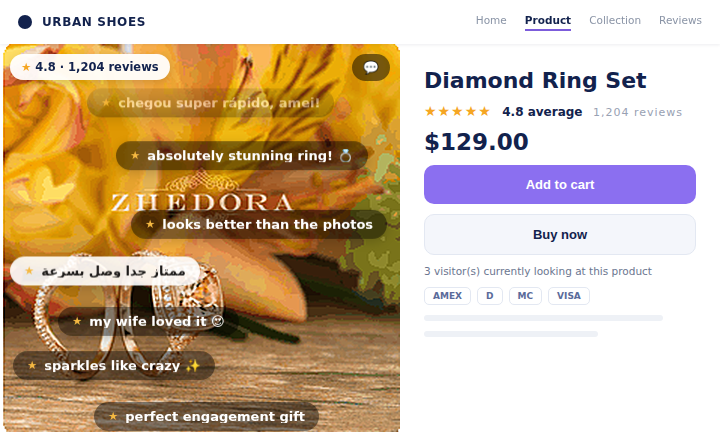
SHEIN-style review bubbles that float up over your product images - live-comment social proof right where shoppers look first.
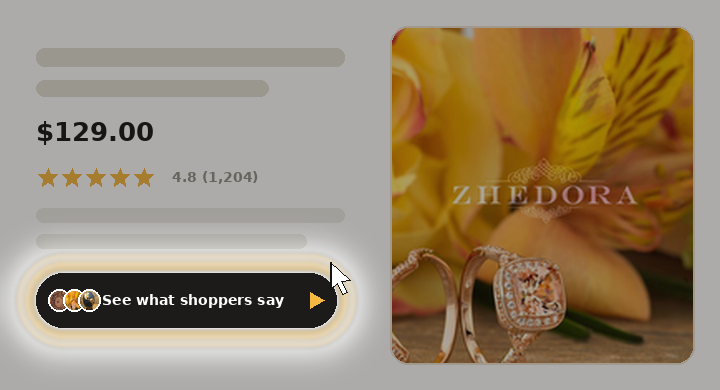
Turn your product reviews into a swipeable, story-style reel — AI summaries, customer photos and ratings, right on your product page. One tap and it plays.
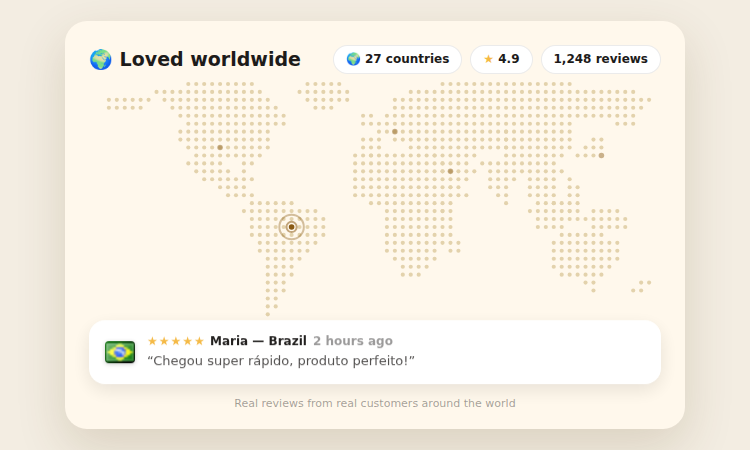
Animated dotted world map where every ping is a real review — flags, country names and rotating review texts.
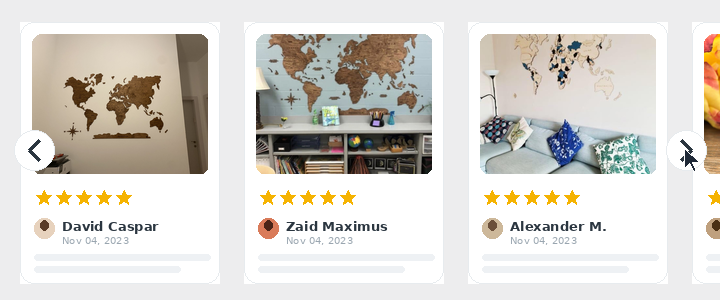
20+ fresh, modern designs for the reviews slider — pick a new look and apply it in one click.
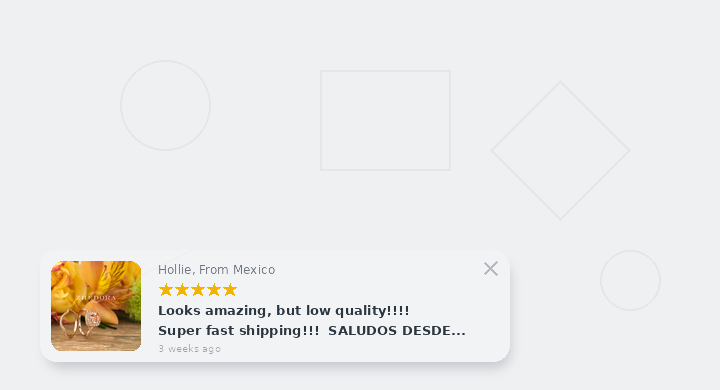
The reviews popup got a refresh — new modern designs plus video options like Video Review and Vertical Reel.